Guide · Recipe import
Save a recipe from a YouTube video, not just the video.
A great cooking video is a terrible thing to cook from. You need the quantities written down and the steps numbered, not a twenty-minute timeline to scrub through with flour on your hands.
Saving the video to Watch Later or a playlist only saves the video. To save the recipe, first check the description: many creators paste the full ingredient list there, or link to it. Then share the video to a recipe app that reads it for you. In Glutt, tap Share on the video, choose Glutt, and it builds the recipe from the description. If the description has no recipe, Glutt listens to the video and writes the spoken method out as ingredients and steps.
Where the recipe in a YouTube video actually is
YouTube cooking videos put the recipe in one of four places, and it is worth knowing which before you try to save it:
| Where it is | How to tell | What to do |
|---|---|---|
| In the description | Open the description below the title. A list with amounts means you are in luck | Any recipe app that reads descriptions will get it cleanly |
| On the creator's website | The description says "full recipe" with a link | Open the link and save that page instead. Recipe sites import best of all |
| On screen only | Quantities flash up as text during the video | Pause and screenshot those frames, then import the screenshots |
| Spoken only | Nothing written anywhere, the cook just tells you | Use an app that transcribes the audio, or write it down while you watch |
Pinned comments sometimes hold a recipe too. Most import tools only read the video's own page, so copy a pinned-comment recipe into a note or a screenshot yourself.
Why Watch Later is not a recipe box
YouTube's Save button adds the video to Watch Later or a playlist. 1 That is useful for finding the video again, but it keeps everything that makes cooking from video hard: no ingredient list to shop from, no way to scale servings, and a recipe that disappears if the video is removed or made private. Save the playlist for inspiration, and save the recipe somewhere you can cook from.
How to save a YouTube recipe to Glutt
- Open the video in the YouTube app and tap Share.
- Choose Glutt. If it is not in the row, tap More to open the iPhone share sheet and add Glutt to your favorites once.
- Glutt reads the description. If the recipe is written there, it becomes ingredients, steps and timings.
- If the description has no recipe, Glutt listens to the video and writes the spoken method out instead.
- Check the result against the video, especially quantities a creator said quickly, then save.
You can also copy the video link and paste it into Glutt's import screen. A Reddit post that links to a YouTube recipe works the same way: Glutt follows the link.
After it is saved
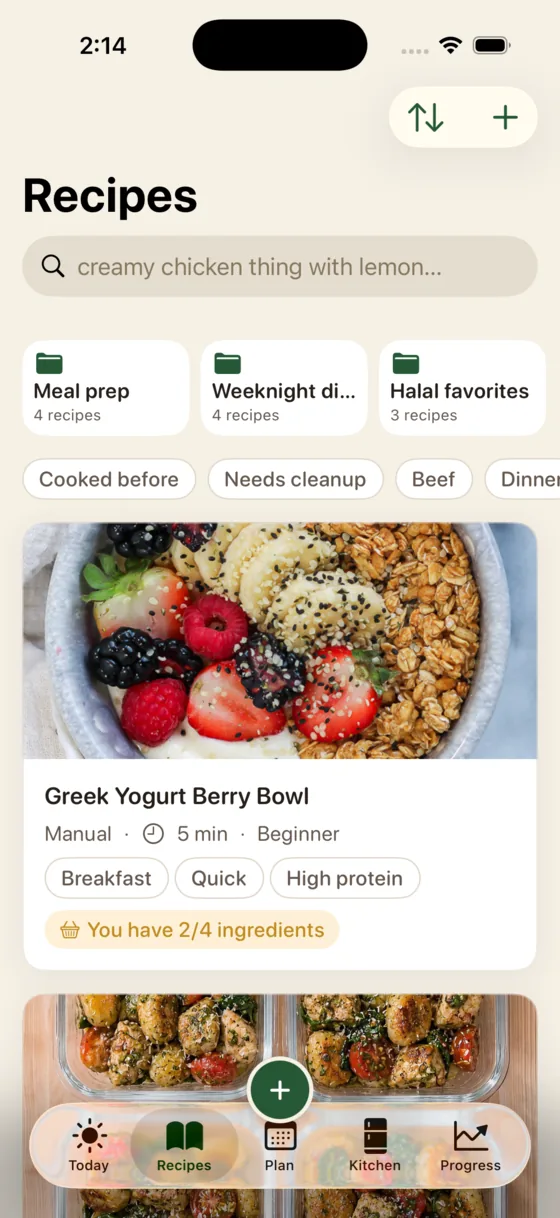
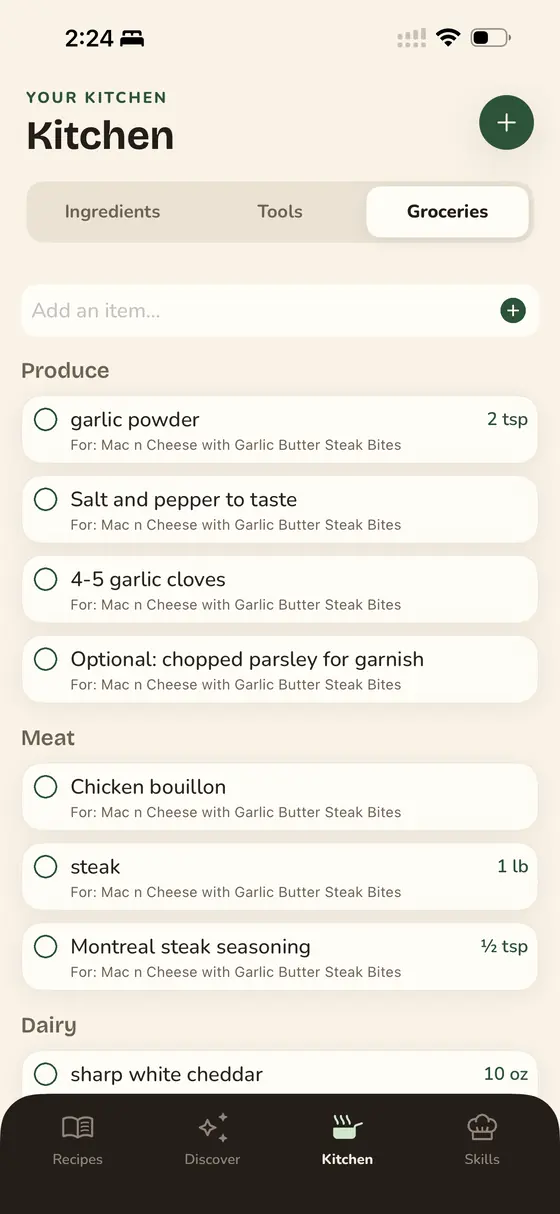
- See what you are missing. Glutt compares the ingredients with your pantry before you start, and only the gaps go to the grocery list.
- Cook it hands-free. Polly, Glutt's AI chef, reads each step aloud, keeps your place and runs the timers, so you are not rewinding a video with wet hands.
- Keep it if the video goes. The ingredients and steps live in the app, not on YouTube.
Other ways to do it
ReciMe imports YouTube videos through the share sheet as well, reading the description first and falling back to the audio, and it is on Android, which Glutt is not. 2 If you would rather not install anything, copy the description into your notes app, or screenshot the on-screen quantities. For TikTok and Instagram, see saving recipes from TikTok and Instagram.
Frequently asked questions
How do I save a recipe from a YouTube video?
Check the description first, since many creators paste the full recipe or link to it there. Then share the video to a recipe app such as Glutt or ReciMe, which turns it into an ingredient list and steps. Saving to Watch Later only saves the video, not the recipe.
Can an app get a recipe from a YouTube video with no written recipe?
Yes. When the description has no recipe, Glutt transcribes what the cook says in the video and writes it out as ingredients and steps. Check the quantities afterwards, because spoken amounts are easy to mishear or round.
Where is the recipe in a YouTube cooking video?
Usually in the description below the title, or behind a "full recipe" link to the creator's website. Some videos only show quantities on screen or say them out loud, and occasionally the recipe is in a pinned comment.
Will my saved recipe disappear if the YouTube video is deleted?
Not if you imported it. A Watch Later entry or playlist item vanishes with the video, but a recipe imported into Glutt keeps its ingredients and steps in the app.
Is Glutt available on Android?
Not currently. Glutt is an iPhone app for iOS 17.2 or later. ReciMe imports YouTube recipes on Android.