Guide · Recipe import
Save recipes from Instagram, not just the post.
Instagram is where a lot of good recipes live, and where most of them get lost: a bookmark in a Saved folder you never open again. Here is how to get the recipe itself out, and what to do when the creator never wrote it down.
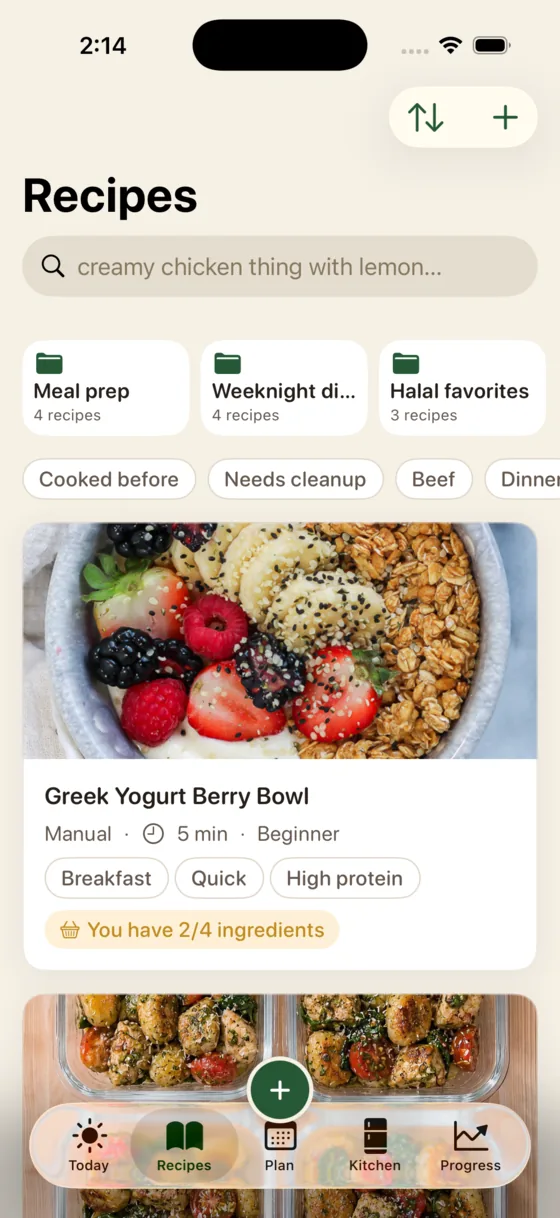
Tapping the bookmark only saves the post inside Instagram. To save the recipe, share the post or Reel to a recipe app that reads the caption, where most food creators put the full ingredient list. In Glutt, tap the share icon, choose Glutt (or copy the link and paste it into Glutt), and the caption becomes a recipe with ingredients and steps, with the photo kept. It works on public posts. If the recipe is only spoken in a Reel, screenshot the on-screen amounts, or look for the creator's TikTok, YouTube or website version, which apps can read in full.
Why Instagram's Saved folder is not a recipe box
The bookmark icon puts a post into Saved, and you can sort Saved into collections such as "Dinners." That is fine for finding the post again. It is not fine for cooking: there is no ingredient list to shop from, no way to scale servings, you scroll a caption with wet hands, and the recipe disappears if the creator deletes the post or makes the account private.
Where the recipe is in an Instagram post
| Where it is | How to tell | Best way to save it |
|---|---|---|
| In the caption | Tap "more" under the post: a list with amounts | Share it to a recipe app; this is the easy case |
| On the creator's website | "Recipe on my blog" or "link in bio" | Open the site and save that page instead; websites import cleanly |
| On the slides or on screen | Amounts written on carousel images or flashed in the Reel | Screenshot those frames and import the screenshots |
| Spoken only | Nothing written anywhere | Find the same recipe on the creator's TikTok or YouTube, or write it down while you watch |
How to save an Instagram recipe to Glutt
- Open the post or Reel and tap the share (paper plane) icon.
- Tap Share to or More to reach the iPhone share sheet, then pick Glutt. Or tap Copy link and paste it into Glutt's import screen.
- Glutt reads the full caption and turns it into ingredients and steps, and keeps the post's photo.
- Check the result. If Glutt says the caption did not include the full recipe, the amounts are somewhere else: see the table above.
This works for public posts and Reels. Instagram does not let apps read posts from private accounts, so for those, screenshot the caption and import the screenshot instead.
When the recipe is only spoken in a Reel
Plenty of Reels never write the recipe down. Glutt reads Instagram captions but does not listen to Instagram audio, so for a spoken-only Reel, it is worth a minute's detective work. Most food creators post the same video on TikTok or YouTube, and Glutt does transcribe the spoken method from those: see saving from TikTok and saving from YouTube. Failing that, pause on the frames that show amounts and screenshot them.
After it is saved
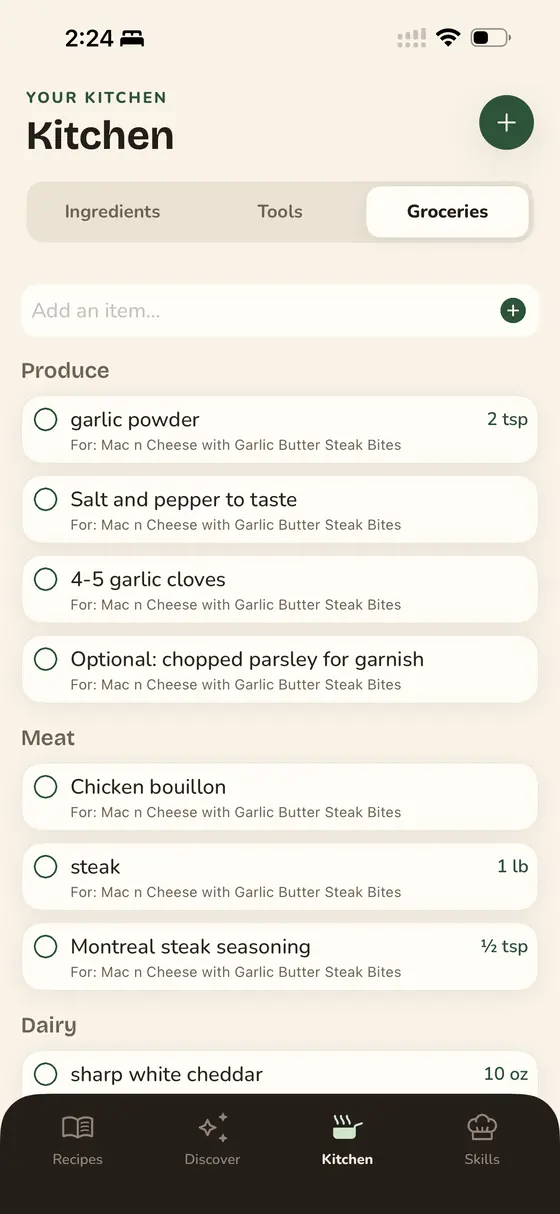
- See what you are missing. Glutt checks the ingredients against your pantry, and only the gaps go on the grocery list.
- Cook it hands-free. Polly, Glutt's AI chef, reads each step aloud, keeps your place and answers questions while you cook.
- Keep it if the post goes. The ingredients and steps live in the app, not on Instagram.
Other apps that import from Instagram
ReciMe, Flavorish and Pestle also import Instagram posts, and ReciMe and Flavorish are on Android, which Glutt is not. Our comparison of AI cooking apps covers how they differ.
Frequently asked questions
How do I save a recipe from Instagram?
Share the post or Reel to a recipe app that reads the caption, such as Glutt, ReciMe or Flavorish. The app turns the caption into an ingredient list and steps. Bookmarking the post only saves it inside Instagram.
How do I save an Instagram Reel recipe if the recipe is not in the caption?
Check the creator's website ("link in bio") and their TikTok or YouTube, where the same video often has the recipe written out or can be transcribed. Otherwise, screenshot the frames that show the amounts and import the screenshots.
Can I import recipes from private Instagram accounts?
Usually not. Instagram does not let apps read posts from private accounts. Screenshot the caption and import the screenshot instead.
Will my saved recipe disappear if the Instagram post is deleted?
An Instagram bookmark will. A recipe imported into Glutt keeps its ingredients, steps and photo in the app.
Is Glutt available on Android?
Not currently. Glutt is an iPhone app for iOS 17.2 or later. ReciMe and Flavorish import Instagram recipes on Android.